Doors open. The line moves.
It is 8:02 on the morning of the event. Everyone who signed up is on the list at the desk, the people who signed up last night included. Stanchio is event registration from the first invitation to the badge: the event site, online sign-up, emails, check-in and badge printing in one system.
Get in touch See how the morning was set up
Stanchio grew out of a check-in program that ran a 1,300-person event, with more than 900 check-ins.
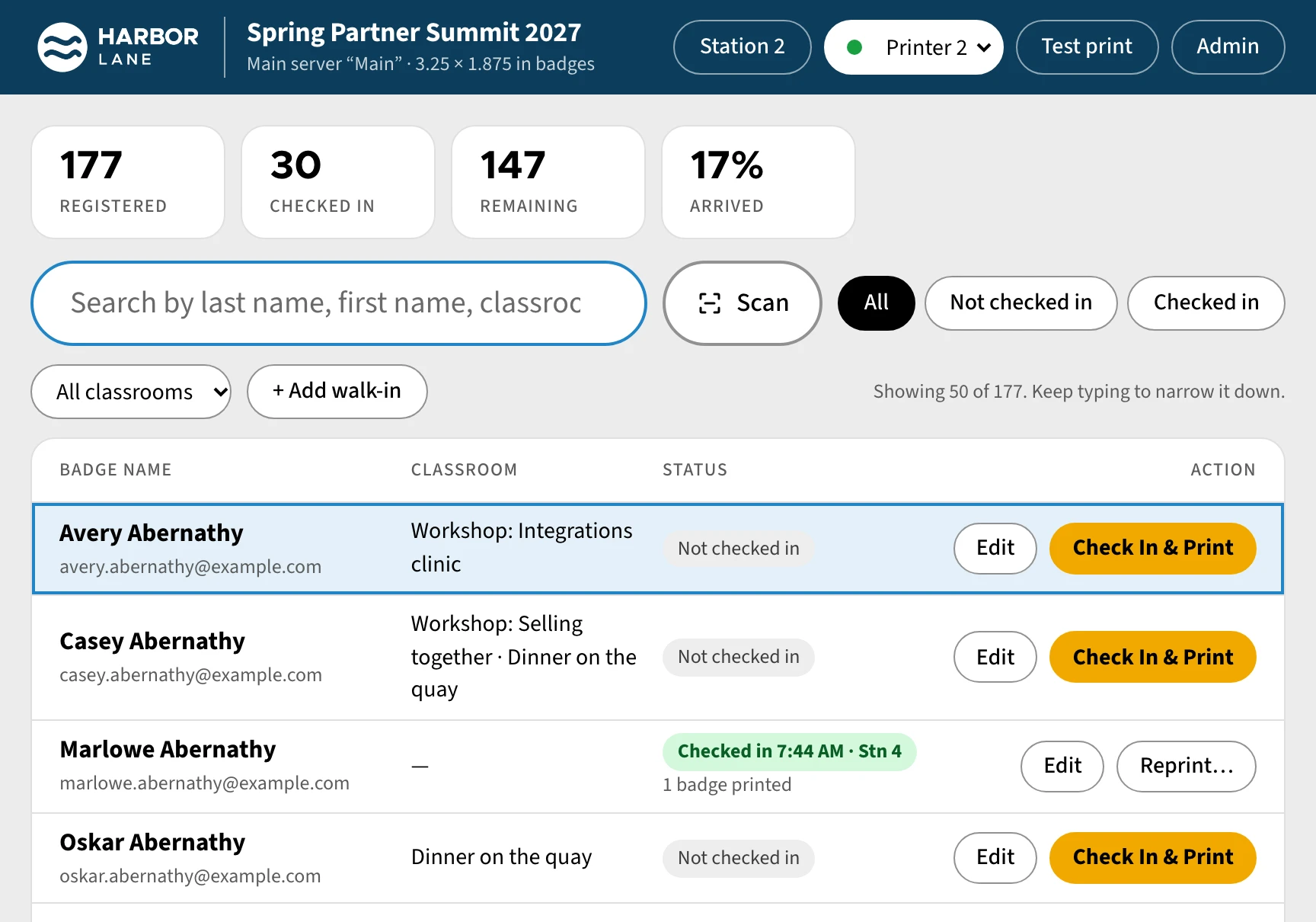
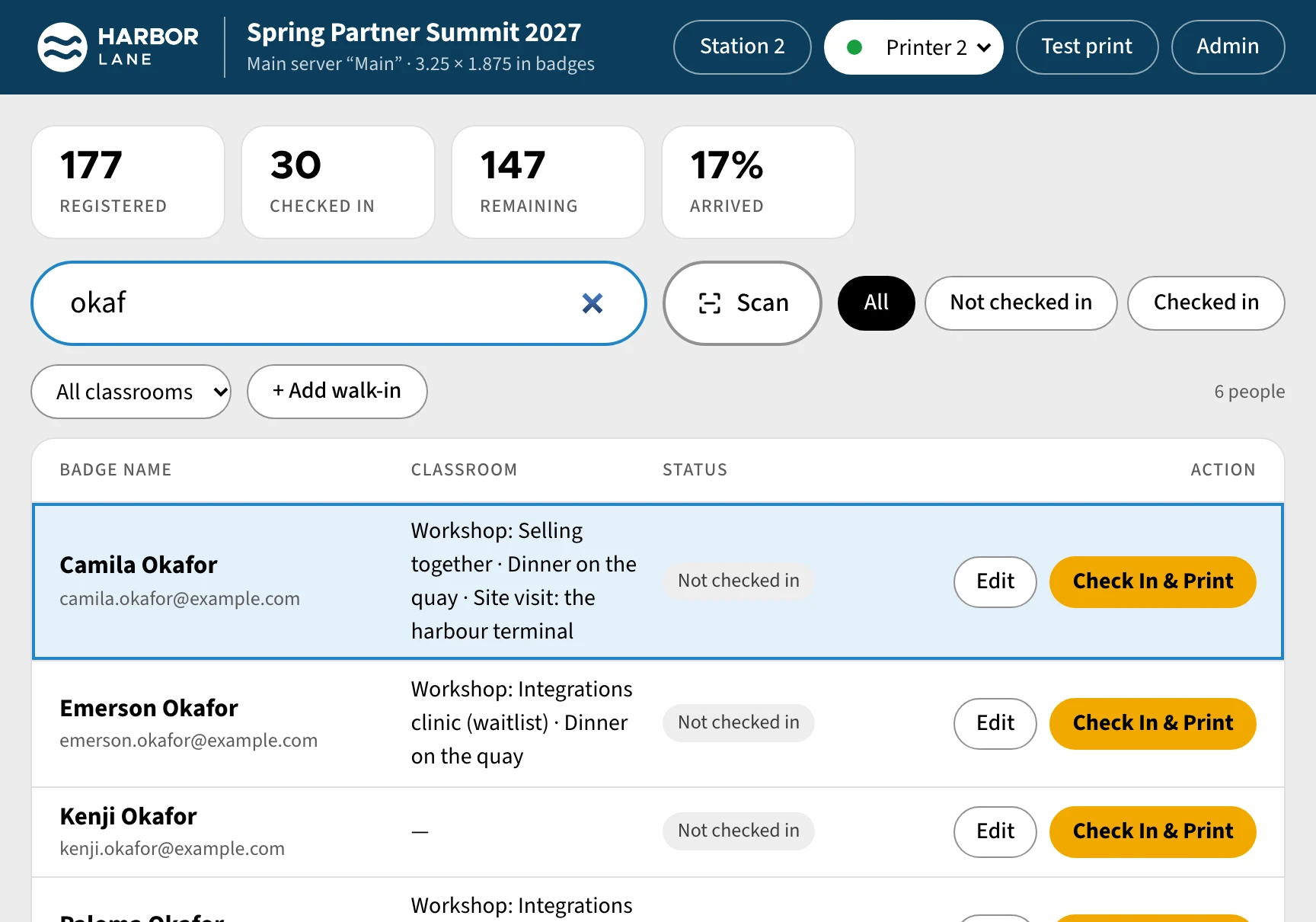
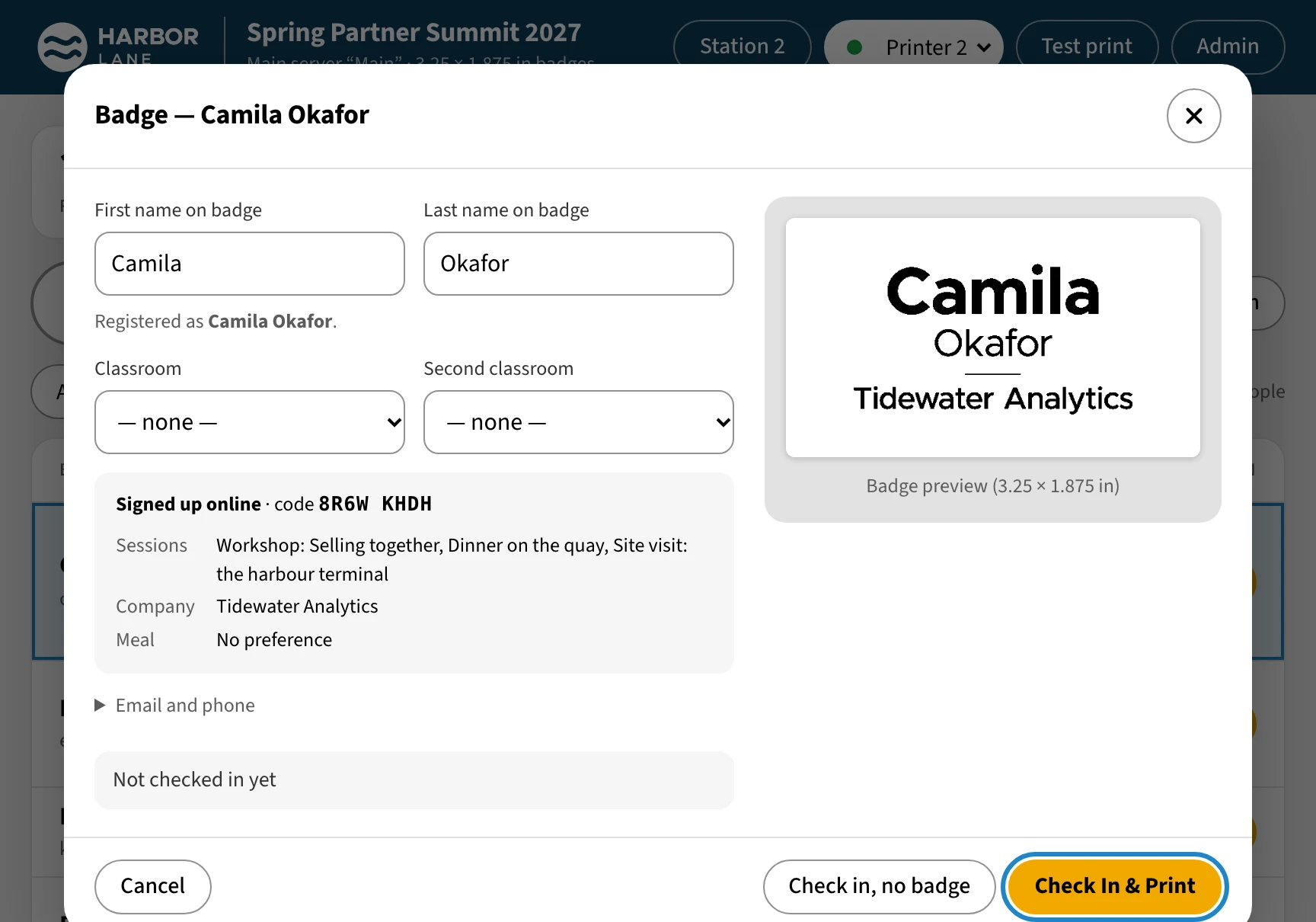
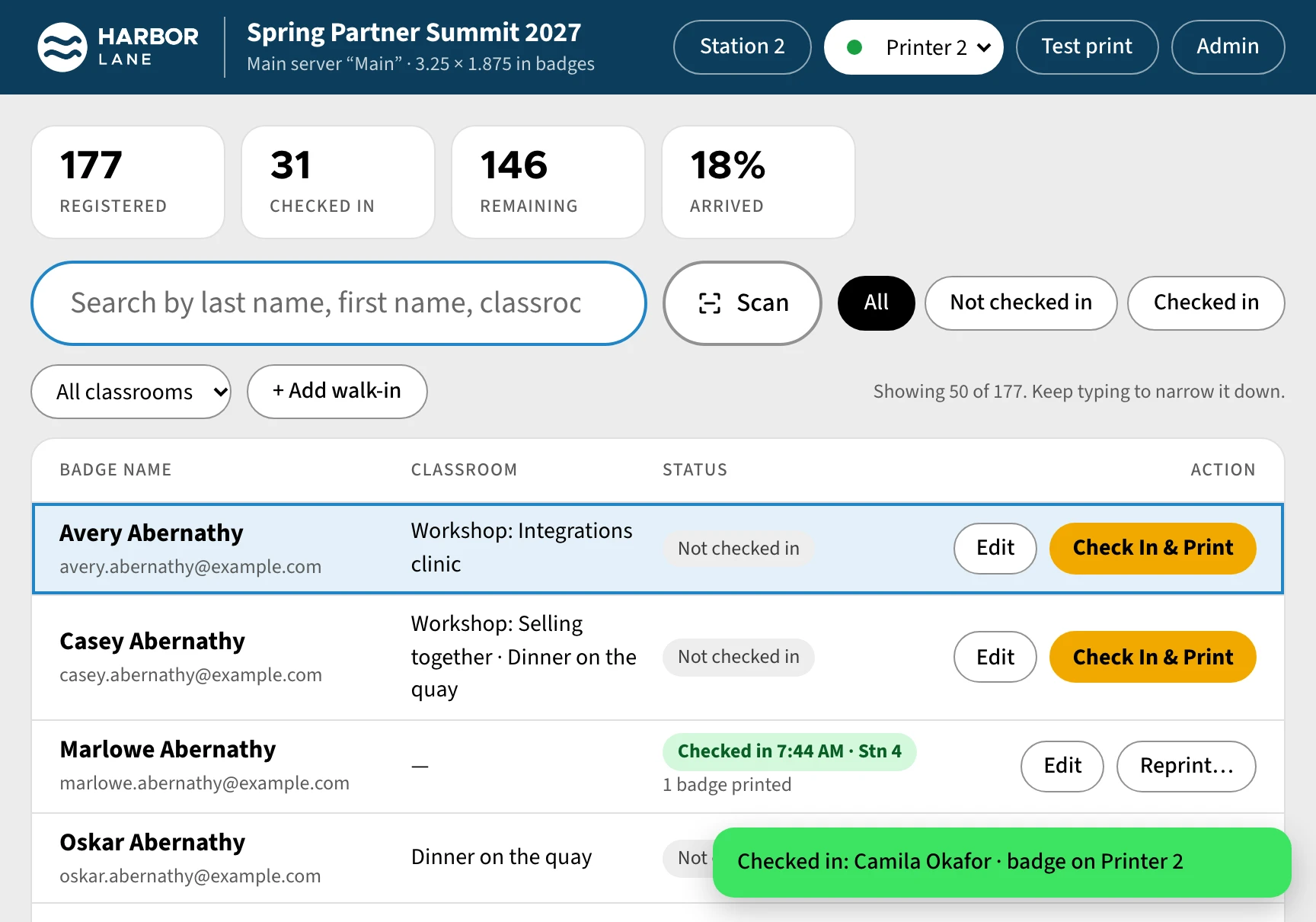
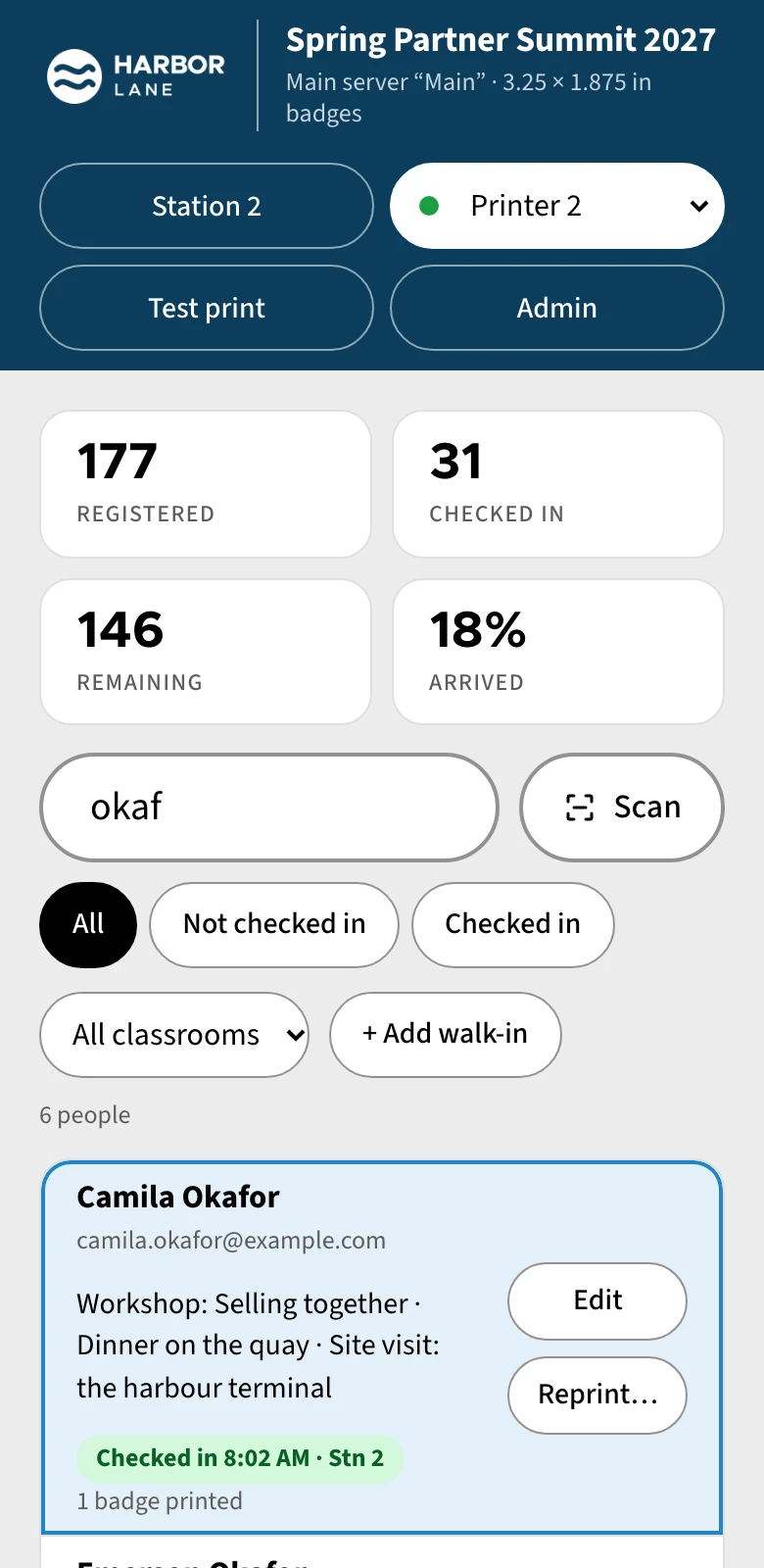
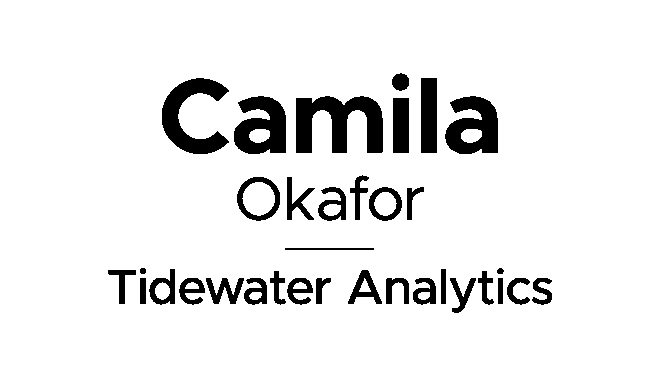
Camila Okafor, checked in at 8:02. This is her badge, as the printer printed it.
That morning took nine weeks to set up. Walk back along the line to see each step.
An hour before doors, the venue kit is in step.
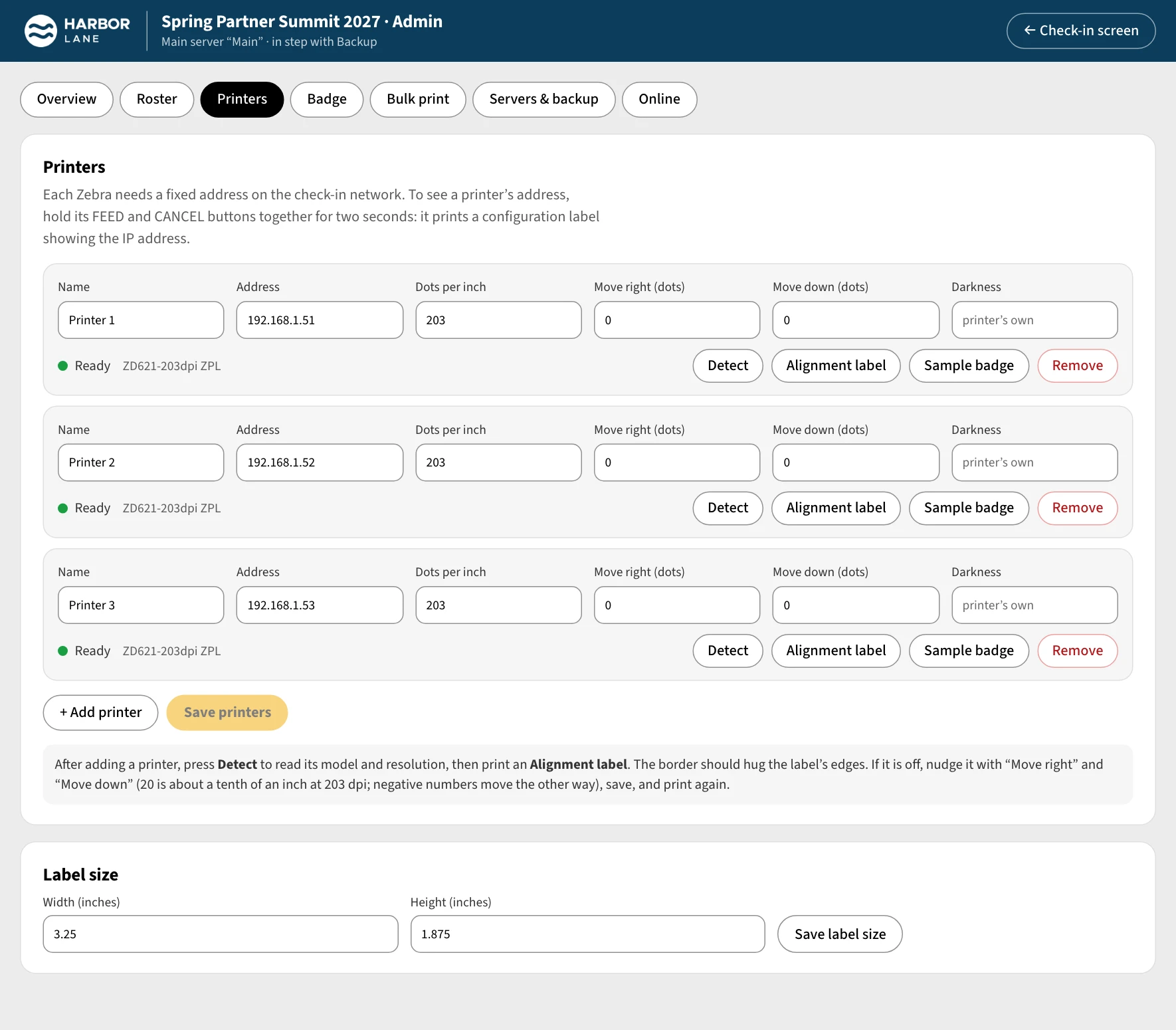
Two Windows PCs at the venue, a Main and a Backup, hold the whole event on the venue’s own network and drive the Zebra badge printers. They pair with your event by typing an eight-character code.
If the venue’s internet goes down, the desks keep checking people in and printing badges, and the kit catches up with Stanchio when the connection returns. If the Main stops, every desk is shown the way to the Backup.
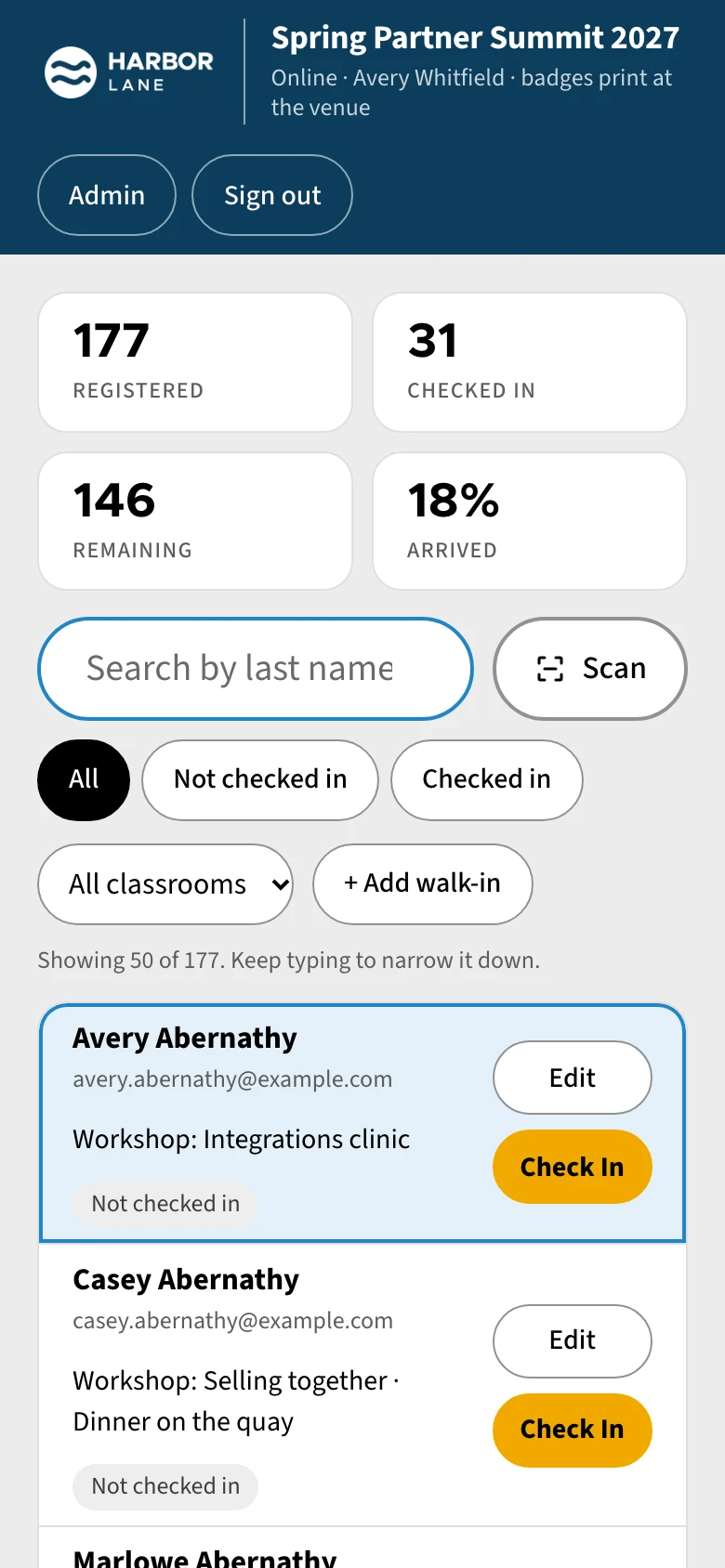
No badges to print? Skip the kit. The same check-in screen runs on Stanchio in any browser, and reads a guest’s QR code with the camera of a phone or tablet.
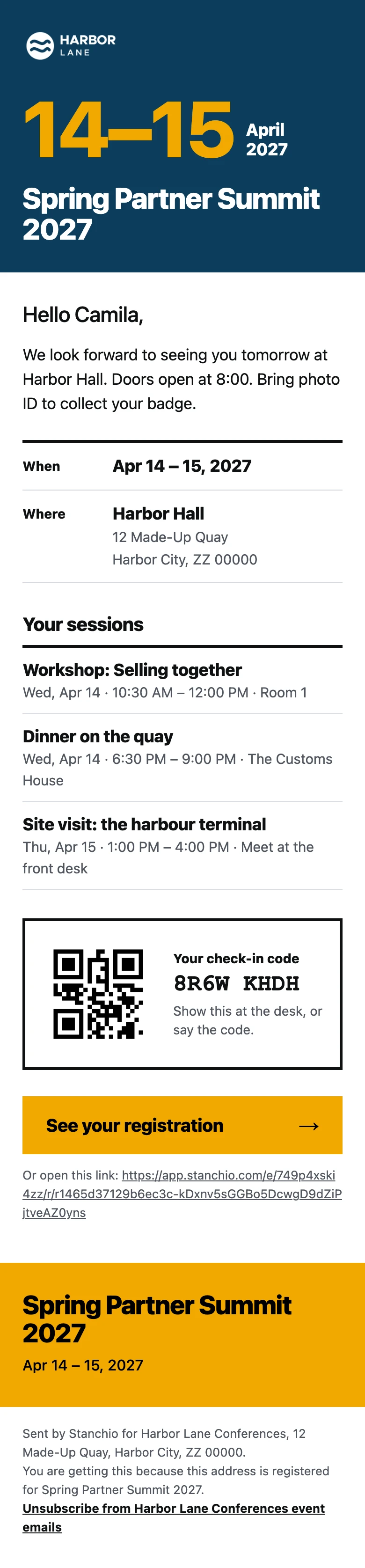
The day before, the reminder goes out by itself.
It was written and scheduled weeks ago: one day before the event, at 9:00 where the event happens. Each guest gets their own sessions and the QR code the desk will scan in the morning.
Every email of an event is drawn in one frame, in the event’s own colours, so a confirmation and a reminder cannot look like two senders.
Three weeks before, you can see where sign-ups stand.
The dashboard counts straight from the event’s own records: sign-ups day by day, the links and emails that brought people in, how full each session is and how many are waiting for a seat.
Show it to a manager or a sponsor with a link that opens counts only, never a name. Every table downloads as CSV.

Six weeks before, the invitations go out.
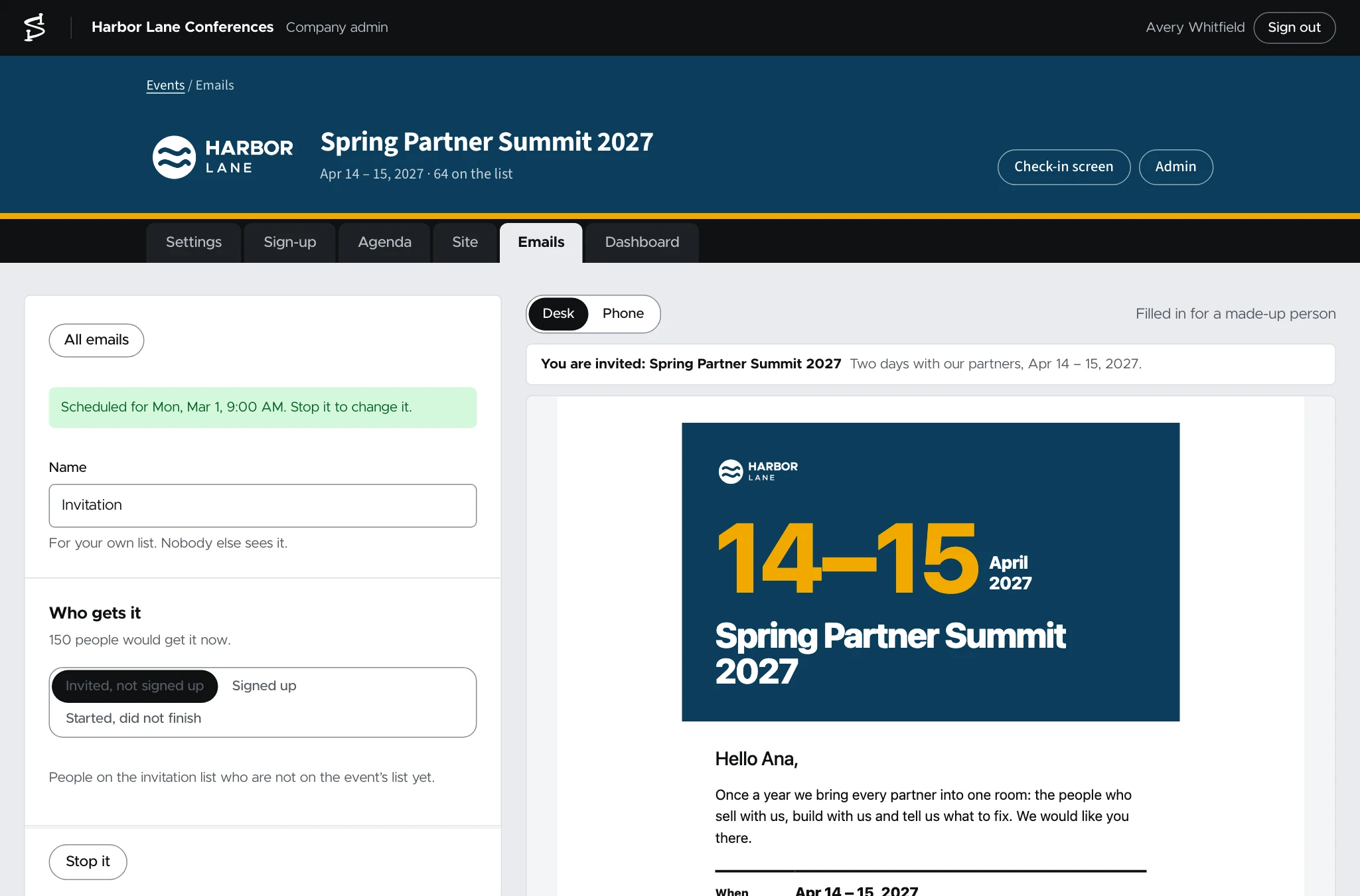
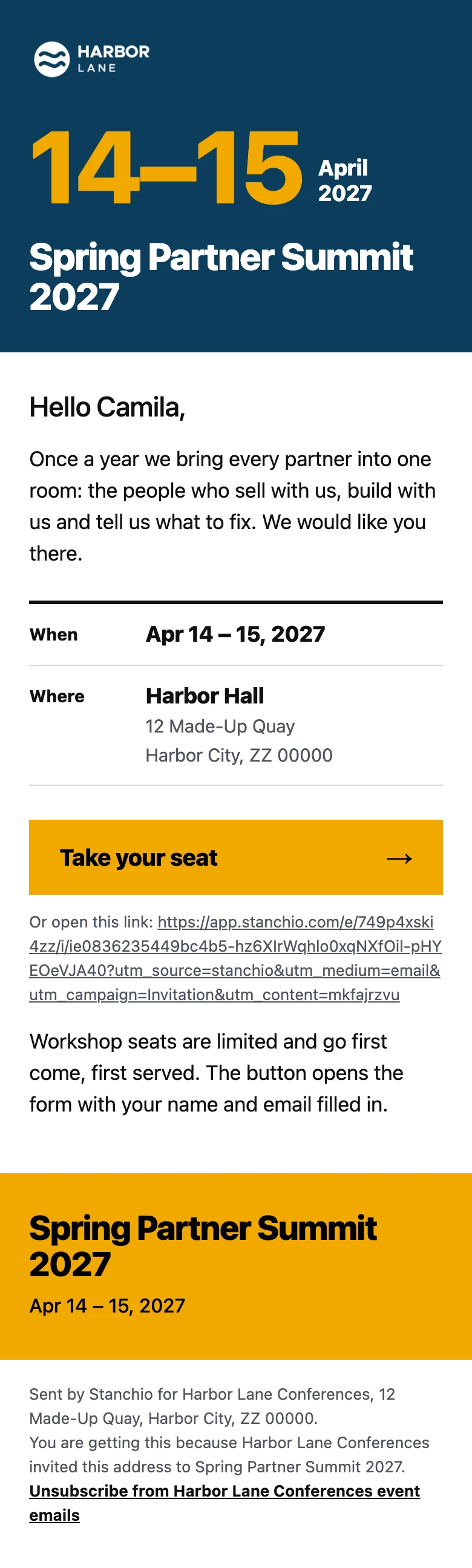
Paste the invitation list or read it from a file. Each invitee gets a link of their own that opens the form with their name and email filled in.
Write an email as plain blocks beside a live preview. Send it on a day and time, some days before the event, or as a follow-up to people who started signing up and did not finish.
Seven weeks before, sign-up opens.
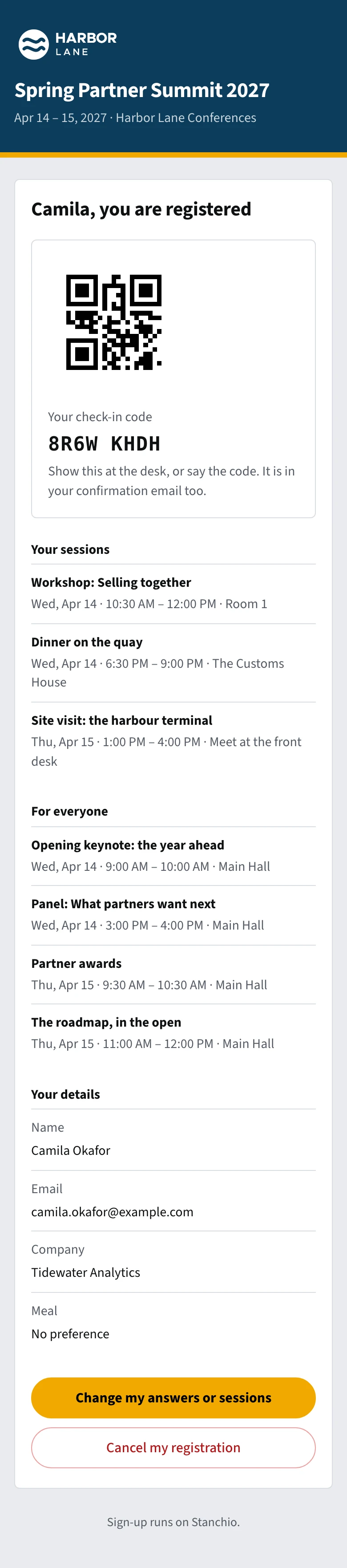
The form asks your own questions and lets people choose their sessions. Seats are counted in one place, so a session cannot go over its limit. When someone gives up a seat it goes to the first person waiting, and they are told by email.
Everyone gets a confirmation with a QR code, and a link of their own to change their answers or cancel.
People you already have in a spreadsheet can be imported onto the same list.

Eight weeks before, the event’s site goes up.
A site is built from sections put in order: a cover, text, the agenda, the line-up, the venue, questions, sponsors and sign-up. It comes in three layouts, and each event gets an address of its own.
The date stands as giant numerals on a full field of the event’s colour, so a visitor sees when, what and where in one look.
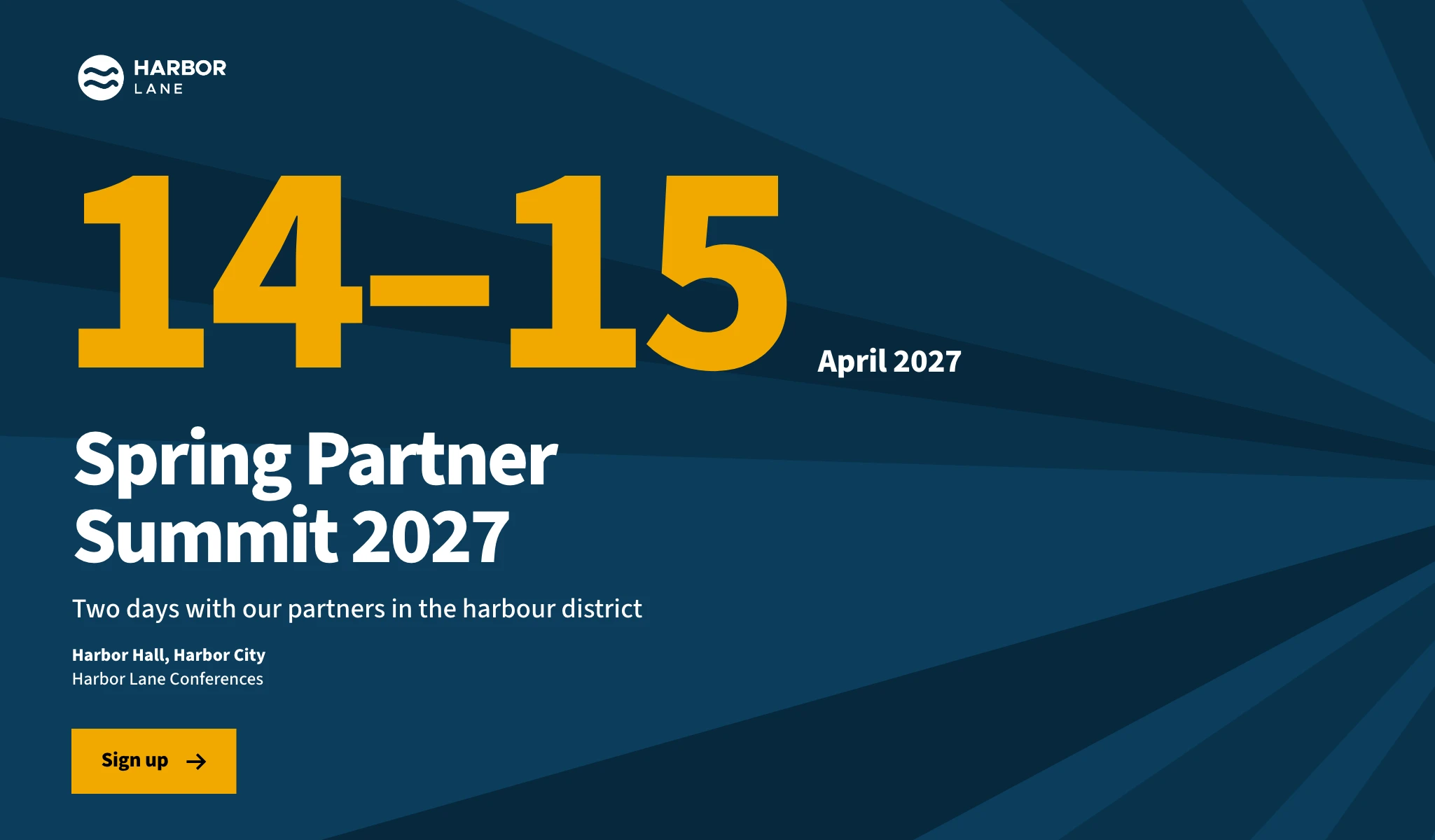
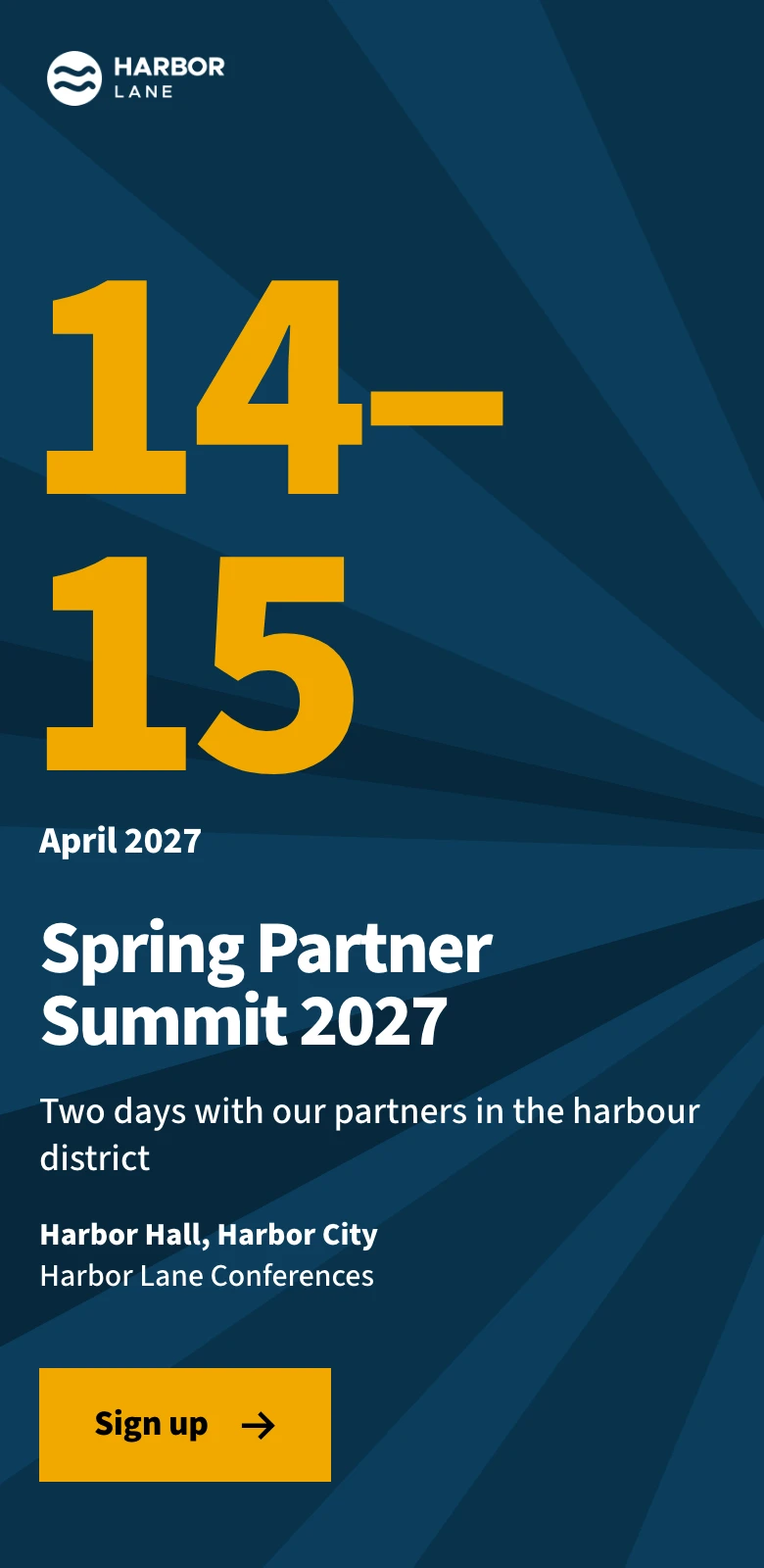
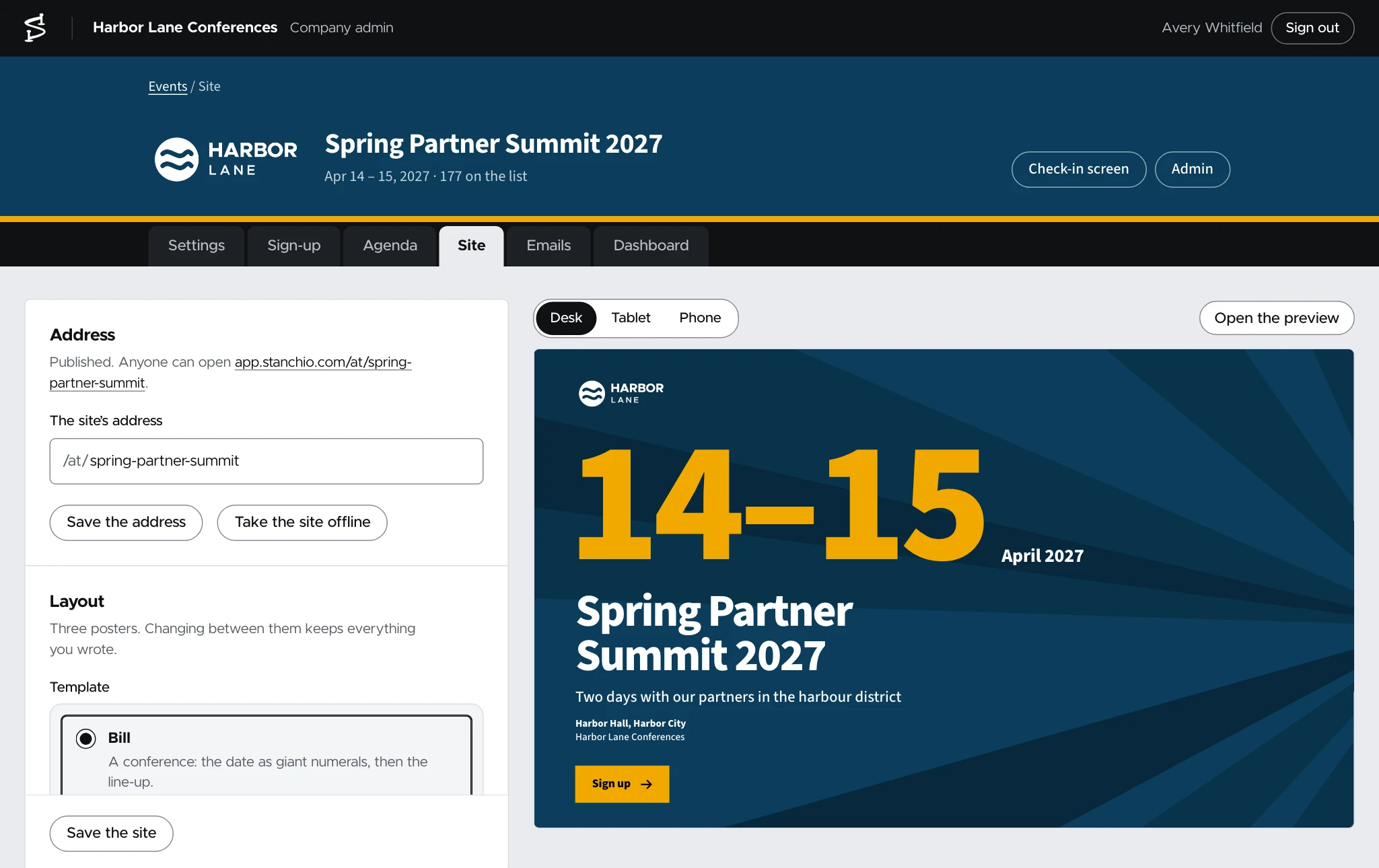
The preview beside the controls is the real page, at the size of a desk screen, a tablet or a phone, and it follows as you type.
Stuck on the words? Claude can draft a section, a biography or an email, or propose a whole site from a short brief and your logo. A draft stays beside your text until you take it.
Nine weeks before, it starts with a logo and two colours.
Each event carries its own branding: two colours, a logo and a font from a bundled set. Stanchio works out the rest, such as which text reads on which colour and when a logo needs a plate behind it.
The same branding follows the event onto its site, its form, its emails and its check-in screens, and its logo can be printed on the badge. Here are three made-up events from three made-up companies.
- A conference, as a bill
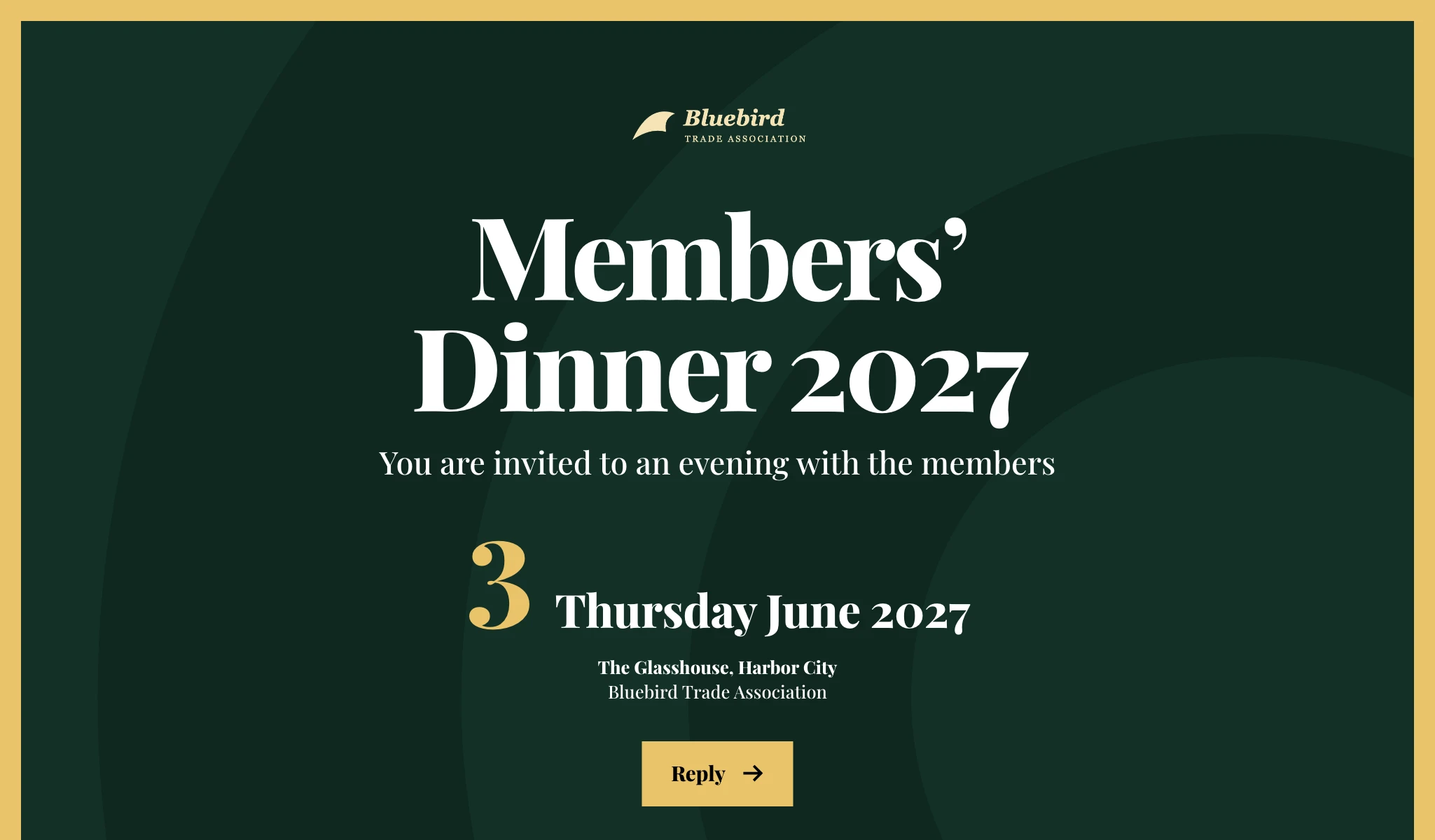 A dinner, as an invitation
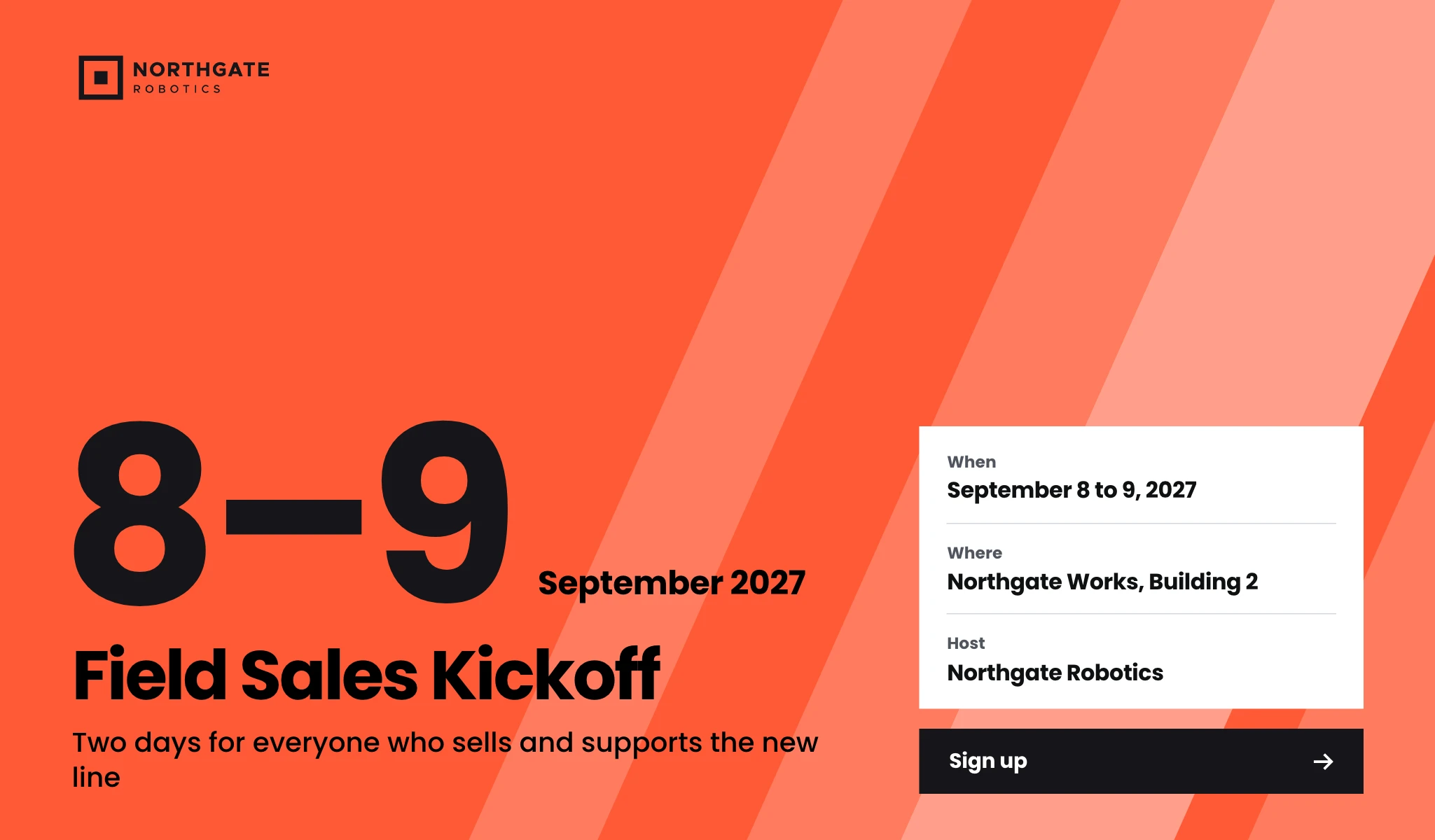 An internal meeting, as a notice
Before you trust it with a guest list
- Each company’s data is kept apart.
- Every request is checked against the company that owns the event. One company’s people, events and links open nothing of another’s.
- Your data leaves when you say so.
- An event exports as one .zip of its records and files. Deleting an event asks you to type its name first.
- Roles, and no passwords.
- Viewers look, editors change, company admins manage people. Everyone signs in with a link sent to their own email address.
- When we help, you can see it.
- If Stanchio’s staff open your event to help, each change is stored with their name, marked as support and shown in your company’s history.
- Your guest list stays out of AI.
- Writing help sends Claude the event’s own text and your logo. It never sends a name, an email address or an answer from your list.
- Email with the usual courtesies.
- Every invitation and reminder carries an unsubscribe link and your postal address. Someone who unsubscribes, or whose address bounces, is not sent another.
- Visits are counted without watching anyone.
- No cookies and no addresses: only the day, the page and the link that brought the visitor.

Tell us about your event
The date, roughly how many people, and whether you want badges printed at the door. We will write back and arrange a time to show you Stanchio.
Email [email protected]Already with us? Sign in.